
- Home /
- Humanoid Robots /
- D1 Pro/Edu
QUADRUPED ROBOTS
D1 Pro/Edu
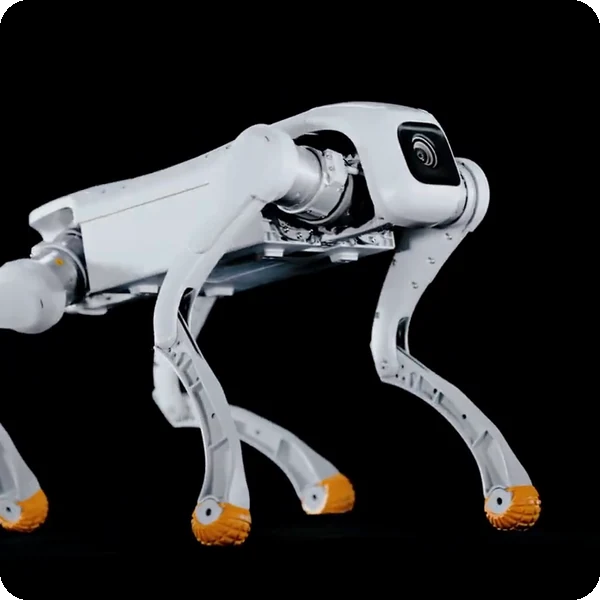
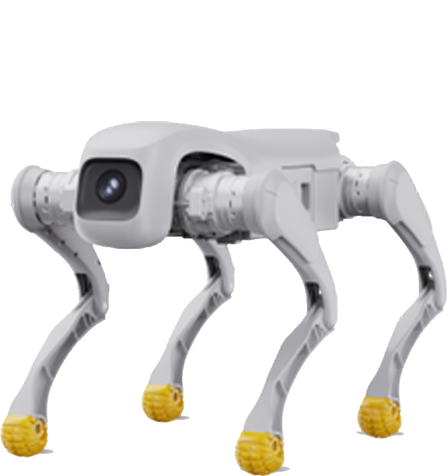
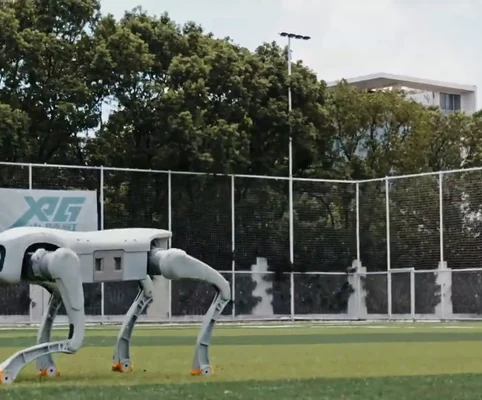
Agile Quadruped Robot for Research & Education
- Best for research, education and demonstrations
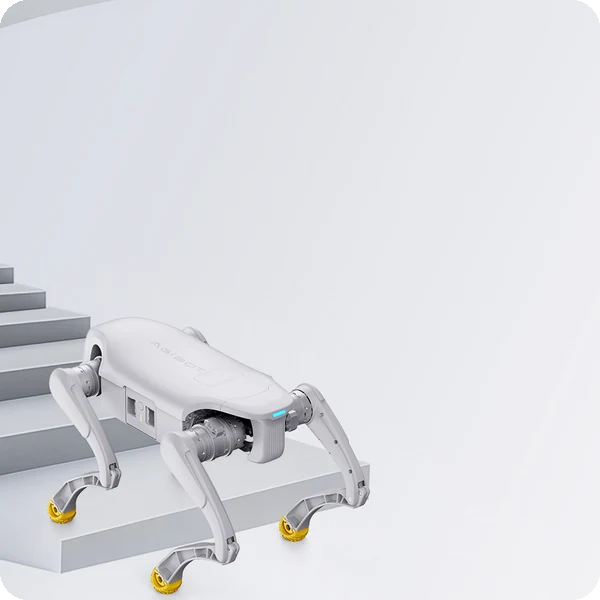
- RL-based gait: 3.5 m/s, 16 cm stairs, 40° slopes
- Edu version with SDK, URDF and simulation support
Explore legged robotics with the D1 Pro/Edu
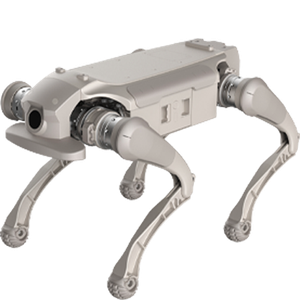
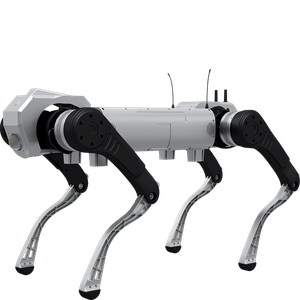
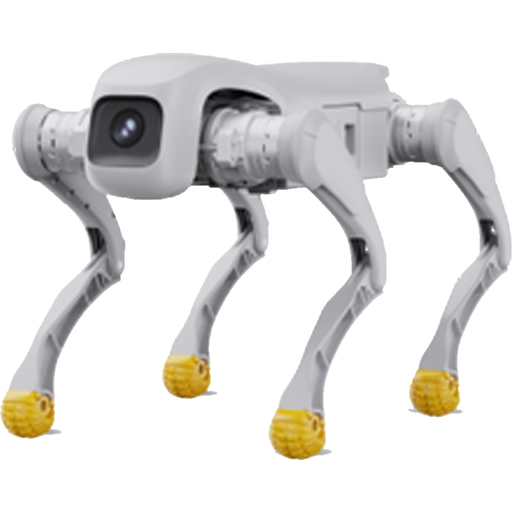
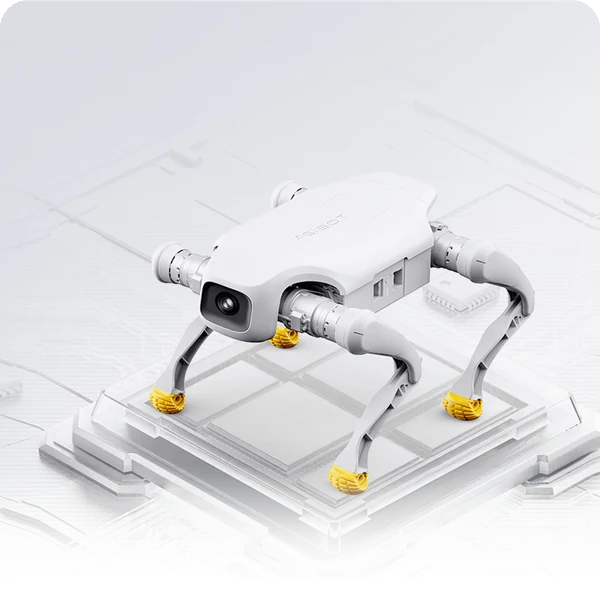
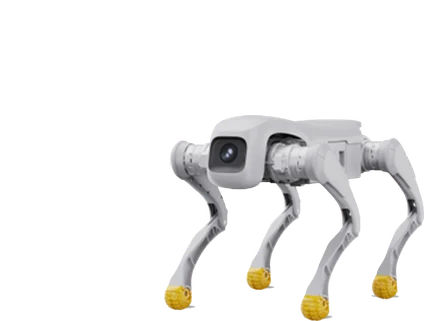
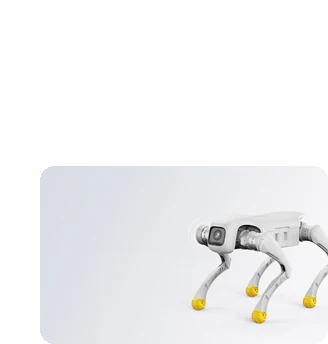
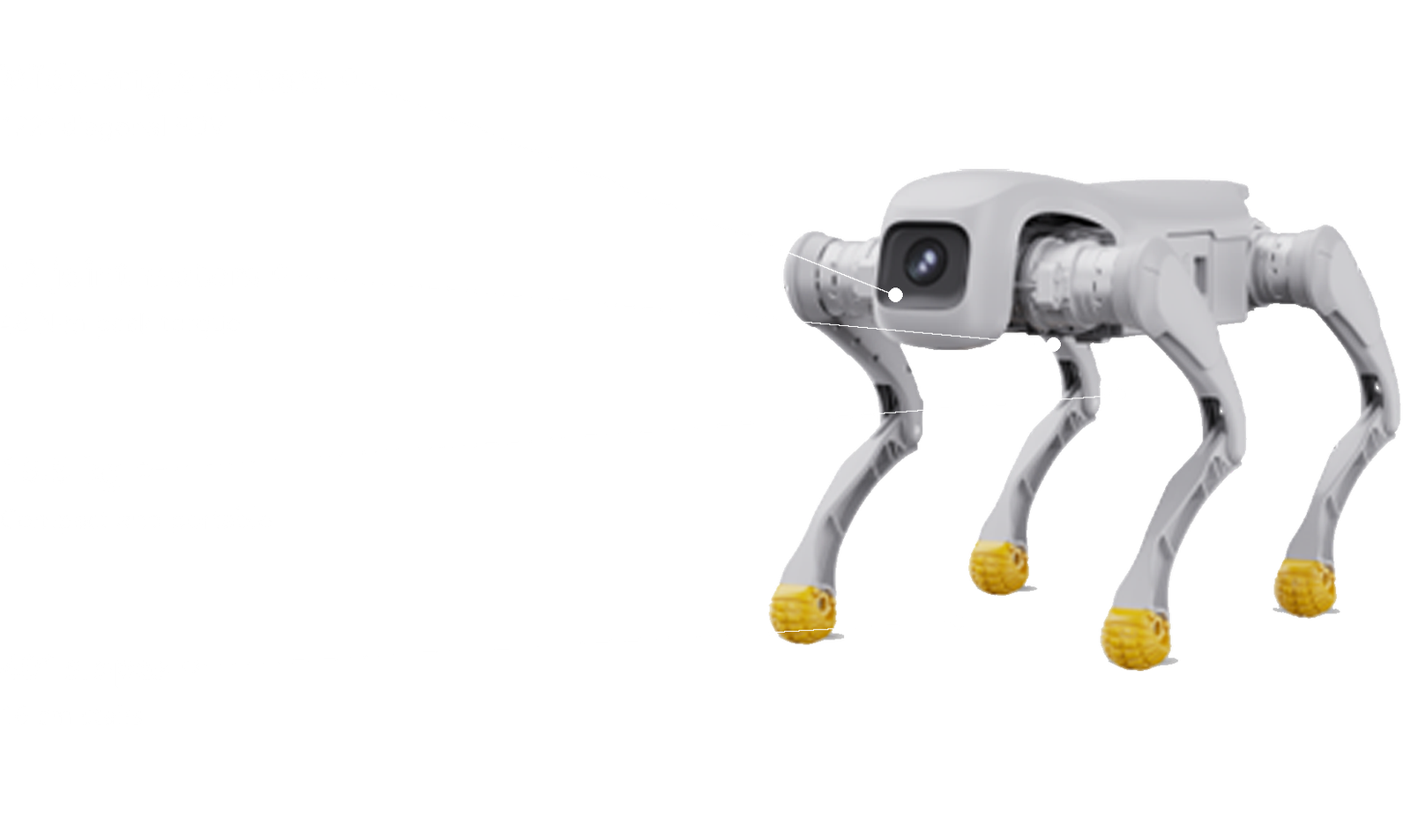
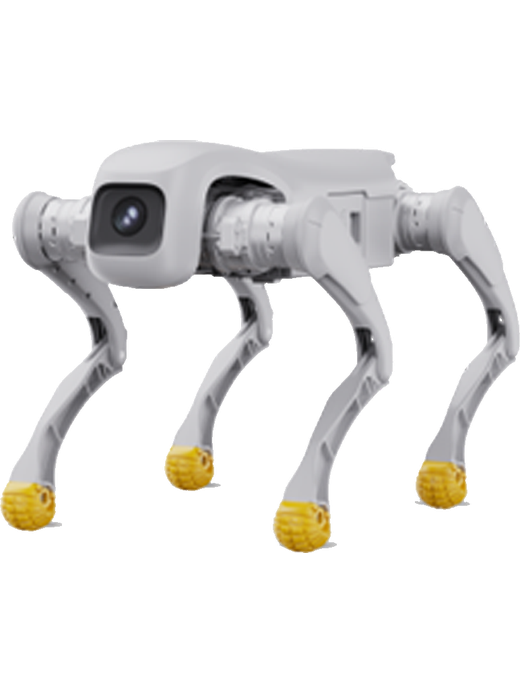
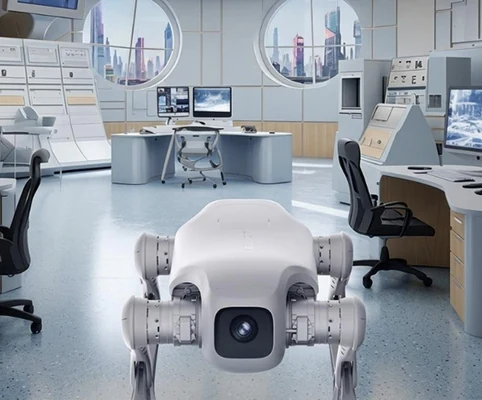
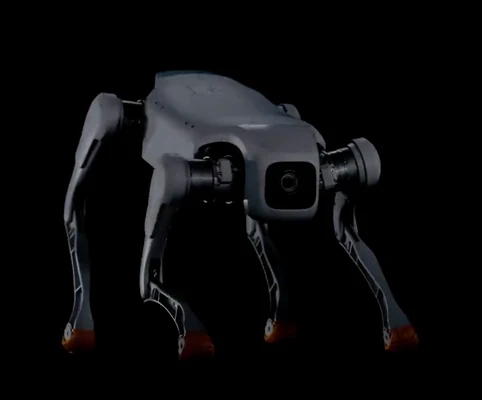
AGIBOT D1 Pro/Edu is a compact 15.5 kg quadruped with reinforcement-learning gait control that adapts to challenging terrain. The Pro version offers powerful remote operation for demonstrations, while the Edu version adds an SDK, standard interfaces and URDF models for teaching, research and payload development.
Best for
Research, teaching and demos
Primary task
Legged mobility and development
Environment
Universities, schools, labs and outdoor test sites
Deployment type
Remote-operated or developer deployment, with SPARK training and ongoing support
Give students and researchers a robot that keeps up
Legged robots are powerful teaching and research tools, but many are fragile, costly or closed.
Wheeled platforms cannot handle terrain
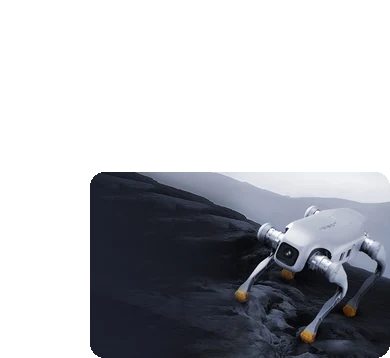
Stairs, slopes and rough ground stop most robots.
Robust mobility.
RL-based gait control adapts to complex terrain, with self-balancing, anti-fall and anti-interference capabilities.
Fragile robots break in class
Impacts and falls are part of learning.
High-performance motors
48 N·m peak torque motors, tested for millions of impact cycles, with dual encoders that need no zero calibration.
Closed platforms limit research
Students cannot program or extend them.
Flexible development
The Edu version provides an SDK, standard interfaces and payload integration for multi-scenario development.
Testing on hardware is slow
Every experiment risks the robot.
Simulation ready
URDF models support simulation and testing in Isaac Sim and MuJoCo before running on the real robot.
Key outcomes
Agile mobility
Run, climb and jump across varied terrain.
3.5 m/s max. speed · 16 cm continuous stairs · 40° slopes · 35 cm jumps.
Brings real-world legged locomotion into the classroom.
Durable
Hardware
Withstand the knocks of daily use.
12 precision joint motors · 48 N·m peak torque · aluminium alloy + engineering plastic · 3500 W max. output.
Built for high-intensity applications.
Open development
Build and test your own applications.
SDK (Edu) · standard interfaces · LiDAR, depth camera, RTK, 4G/5G modules · URDF for Isaac Sim and MuJoCo.
Supports teaching, research and payload projects.
Practical endurance
Charge fast and get back to work.
1–2 h endurance · approx. 1 h charging (10–90%) · 6 ± 1 km range · 5 kg payload.
Keeps lab sessions running smoothly.
What powers the D1 Pro/Edu's mobility
RL-based gait control
Self-balancing
High-torque motors
Zero calibration
Expandable modules
Simulation support
How it works
01.
Map or configure
Prepare D1 for your class or lab. The robot is paired with its handheld remote and, on the Edu version, connected to your development environment.
What the D1 Pro/Edu handles
Starts without zero calibration thanks to dual encoders.
Where people step in
Set-up, payload integration and programming require human input.
The exact SPARK deployment process TBC
02.
Run the workflow
Operators drive D1 with the handheld remote, or run custom programs on the Edu version for experiments and demonstrations.
What the D1 Pro/Edu handles
Carries out gait control, balance and standard and special actions.
Where people step in
An operator stays in control during use. Exact supervision procedures TBC
03.
Monitor and improve
Iterate on algorithms in simulation with URDF models, then deploy them to the robot.
What the D1 Pro/Edu handles
Supports SDK development and simulation workflows (Edu).
Where people step in
People remain responsible for reviewing performance and deciding when adjustments, maintenance or further configuration are needed. TBC
Use cases and environments
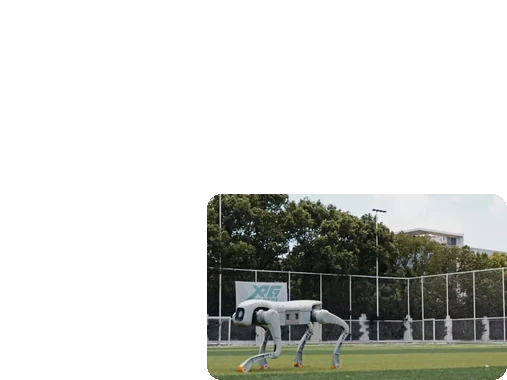
Product in action
AGIBOT D1 Pro/Edu robust mobility
Technical specifications
Specification
- Max. speed
- Effective payload
- Continuous stair climb height
- Max. climbing slope
- Jumping height (off ground)
- Max. power output
- Standard actions
- Special actions
D1 Pro/Edu
- 3.5 m/s
- 5 kg
- 16 cm
- 40°
- 35 cm
- 3500 W
- Stand, lie, damping, pitch, height, turning
- Jumps, biped standing, backflip, waving
Specification
- Standing size (L × W × H)
- Lying size (L × W × H)
- Weight (incl. battery)
- Material
- Joint motors
- Max. joint torque
- Joint range (body / thigh / lower leg)
- Actuator type
D1 Pro/Edu
- Approx. 635 × 360 × 420 mm
- Approx. 675 × 435 × 145 mm
- 15.5 kg
- Aluminium alloy + high-strength engineering plastic
- 12 aluminium alloy precision motors
- 48 N·m
- -28°–28° / -170°–66° / 35°–156°
- High power density motion unit
Specification
- Gait control
- Balance
- IMU
- Camera FOV
- Joint control
- Obstacle avoidance
- Autonomous navigation
- Safety certification
D1 Pro/Edu
- RL-based reinforcement learning
- Self-balancing, anti-fall, anti-interference
- Standard
- DFOV 122°, HFOV 111°, VFOV 70°
- Dual encoder, no zero calibration
- TBC
- Via expansion modules
- TBC
Specification
- Endurance time
- Range
- Charging time
- Battery
- Battery capacity
- Battery swap
- Charger
- Computing
D1 Pro/Edu
- 1–2 h
- 6 km ± 1 km
- Approx. 1 h (10% to 90%)
- Included
- TBC
- TBC
- Included
- 8-core high-performance CPU
Specification
- Remote control
- SDK
- Interfaces
- Supported modules
- Simulation
- Payload integration
- Wi-Fi / Bluetooth
- OTA updates
D1 Pro/Edu
- Handheld remote
- Edu version
- Standardised expansion interfaces
- Positioning, LiDAR, depth camera, RTK, 4G/5G, image transmission
- URDF for Isaac Sim and MuJoCo
- Supported (Edu)
- TBC
- TBC
Specification
- Operating temperature
- Terrain
- Max. slope
- Ingress protection
- Indoor / outdoor
- Max. step height
- Noise
- Wet conditions
D1 Pro/Edu
- 0 °C to 40 °C
- Stairs, slopes, grass, gravel
- 40°
- TBC
- Both
- 16 cm
- TBC
- TBC
Specification
- Handheld remote
- Charger
- LiDAR module
- Depth camera
- RTK module
- 4G/5G module
- Image transmission module
- Spare battery
D1 Pro/Edu
- Included
- Included
- Optional
- Optional
- Optional
- Optional
- Optional
- TBC
Deployment and integration
From site survey to launch, SPARK prepares your robot for your site, your workflow and your team.

01 — Site survey
We assess your requirements and site conditions to help plan your robot deployment.

02 — Mapping
The operating area is mapped for autonomous operation before handover.

03 — Workflow design
We develop a deployment plan around your site and operational requirements.

04 — Integration
Integration requirements are assessed for each deployment, while tasks, schedules and reports are managed through the app.

05 — Training
SPARK provides user training as part of its after-sales support.

06 — Launch
Launch follows completion of site preparation, mapping, workflow setup and training.

Site Assessment
Understand the facility, floor types, traffic patterns and operational requirements.

Robot Deployment
Introduce the robot into daily operations with minimal disruption.

Mapping
Configure operating areas and routes according to the environment.

Remote Monitoring
Monitor robot operations and receive performance information through the app.

Training & Handover
Provide operators with the knowledge needed to manage the robot day to day.

Ongoing Optimization
Adapt maps and update software as the facility evolves.

Training & Handover
Provide operators with the knowledge needed to manage the robot day to day.

Remote Monitoring
Monitor robot operations and receive performance information through the app.

Ongoing Optimization
Adapt maps and update software as the facility evolves.

Site Assessment
Understand the facility, floor types, traffic patterns and operational requirements.

Mapping
Configure operating areas and routes according to the environment.

Robot Deployment
Introduce the robot into daily operations with minimal disruption.
What SPARK adds
We are not a box shifter. Deployment covers site survey, mapping, workflow design, integration planning, training and launch — so your robot arrives configured for your building rather than dropped at your loading bay.
If the survey shows the robot is wrong for your site, we will say so.
upSPARK and ongoing support
From installation and user training to software updates and on-site maintenance, we provide full after-sales support.

Technology That Keeps Improving
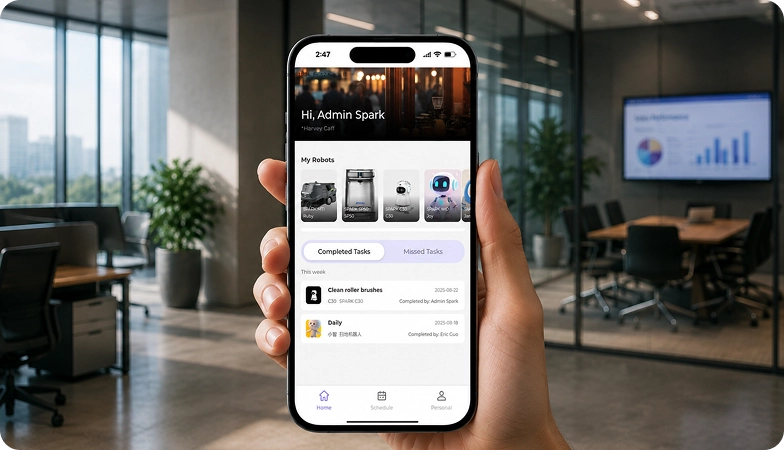
Every SPARK robot is managed through its manufacturer app and cloud platform, where operators can schedule tasks, monitor each robot remotely and review performance reports. SPARK supports you from installation and training through to software updates and maintenance.

maintenance tasks
Routine maintenance is kept simple, with clear schedules for brushes, filters, tanks and other consumables. SPARK guides your team through each task so the robot stays ready to work.

scheduling
Tasks and schedules can be set and adjusted through the app or control panel, so the robot works at the times that suit your site, including out of hours.

guided maintenance
SPARK provides step-by-step guidance for maintenance tasks, helping your team keep the robot running reliably with minimal downtime.

expert support
Our UK-based team provides expert after-sales support, including troubleshooting, on-site maintenance and help with optimising your robot routines.
Safety, compliance and governance
Compliance
Certification and conformity
Declaration of Conformity and certification documents for this robot are available on request for technical and procurement review.
Obstacle handling and safety
360° Environmental Awareness
SPARK robots use onboard sensors to detect obstacles, slow down or stop, and reroute where required. Detailed safety behaviour is covered in the product documentation.
Operating boundaries
Mapped operating areas
The robot operates within the mapped areas and configured routes set up during deployment. Operating conditions are listed in the technical specifications above.
Data and privacy
App and cloud management
Tasks, schedules and reports are managed through the manufacturer app and cloud platform. Details of data handling and privacy are shared as part of deployment planning.
Documents for review
Documentation pack
The user manual, specification sheet and conformity documentation can be shared for technical and procurement review.
Choosing between Spark quadruped robots
D1 Pro/Edu
D1 Ultra
D1 Max Pro
Frequently asked questions
Questions about using the D1 Pro/Edu at your site
What is the difference between D1 Pro and D1 Edu?
Both share the same body and performance; the Edu version adds an SDK development kit and supports payload integration for teaching and research.
How fast is D1 Pro/Edu?
Up to 3.5 m/s, with continuous stair climbing up to 16 cm and slopes up to 40°.
How long does the battery last?
Around 1–2 hours (about 6 km), with charging from 10% to 90% in about 1 hour.
Can it carry equipment?
Yes, an effective payload of 5 kg, including modules such as LiDAR, depth cameras or RTK.
Does it support simulation?
Yes. URDF models allow simulation and testing in Isaac Sim and MuJoCo.
How is it controlled?
With the included handheld remote, or through your own programs on the Edu version.
How do I request engineering support if there is a problem?
Contact the SPARK support team. We provide after-sales support including troubleshooting, software updates and on-site maintenance for your D1 Pro/Edu.