


- Home /
- Humanoid Robots /
- Omni Hand Pro
DEXTEROUS HANDS
Omni Hand Pro
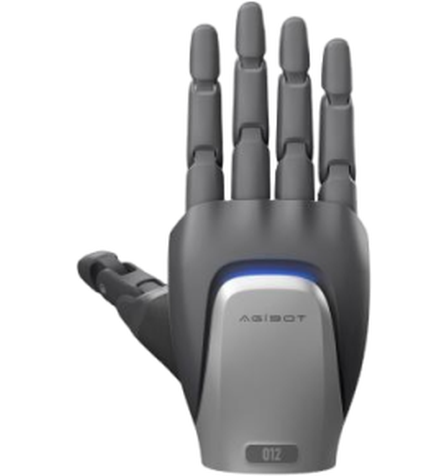
High-Integration Multi-Functional Dexterous Hand
- Best for industrial grasping, tool use and research
- Human-sized: 19 DOF, 750 g, 20 N fingertip force
- Multimodal tactile sensing down to 0.01 N
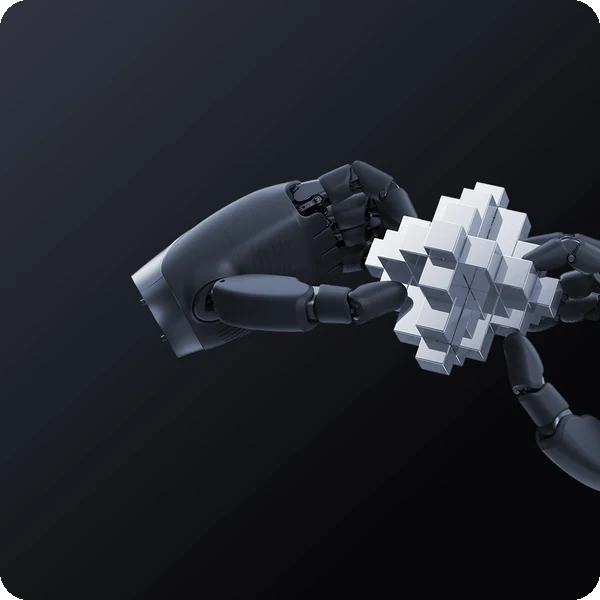
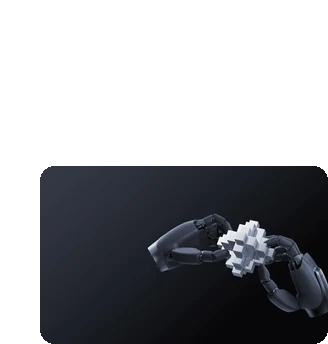
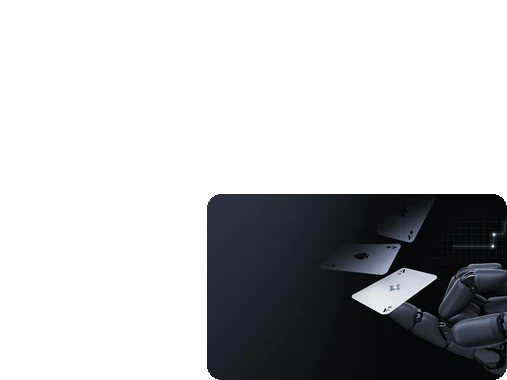
Handle tools and delicate parts with the Omni Hand Pro
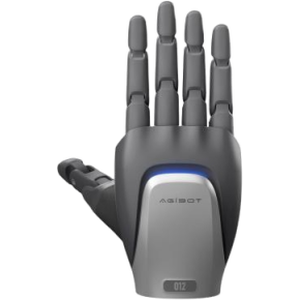
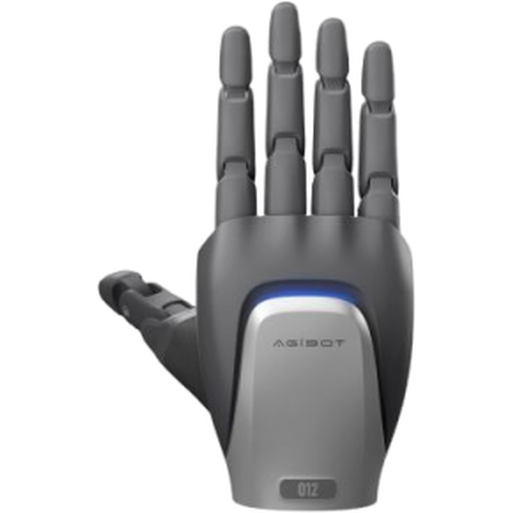
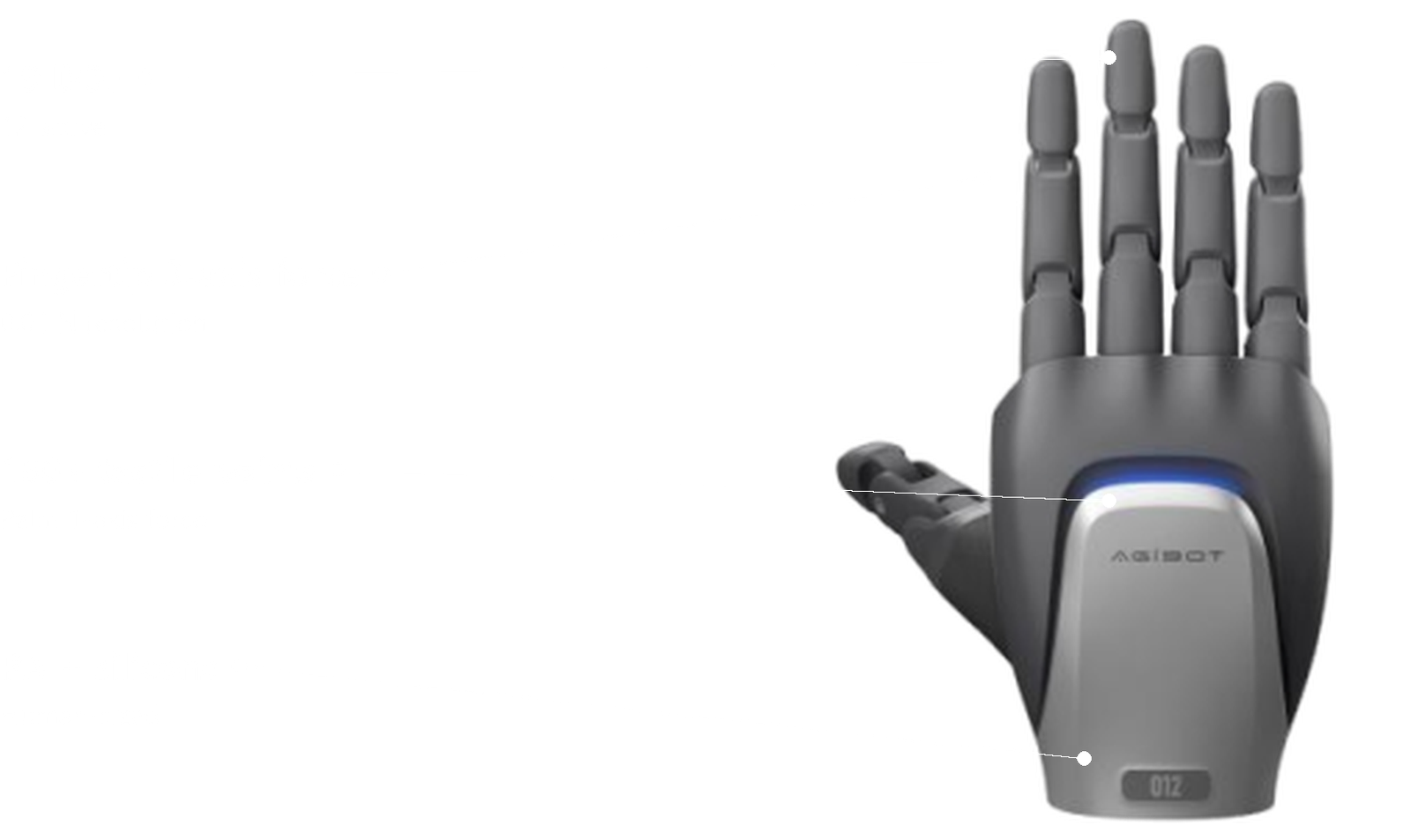
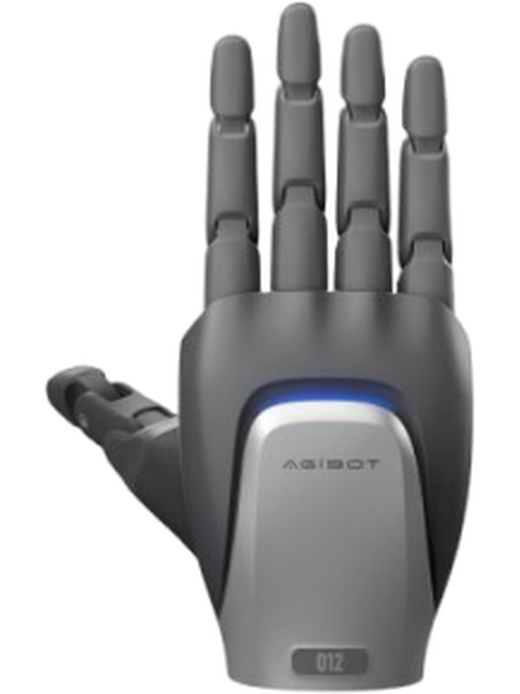
AGIBOT OmniHand Pro 2025 is a high-integration, multi-functional dexterous hand. Human-sized with 19 degrees of freedom at only 750 g, it handles professional tools with up to 20 N fingertip force, while multimodal sensing of position, normal force, tangential force and proximity achieves 0.01 N sensitivity for precise, gentle manipulation.
Best for
Precise, forceful manipulation
Primary task
Grasping, tool use and sorting
Environment
Industrial cells, labs, humanoid and research platforms
Deployment type
End-effector integration, with SPARK technical guidance and ongoing support
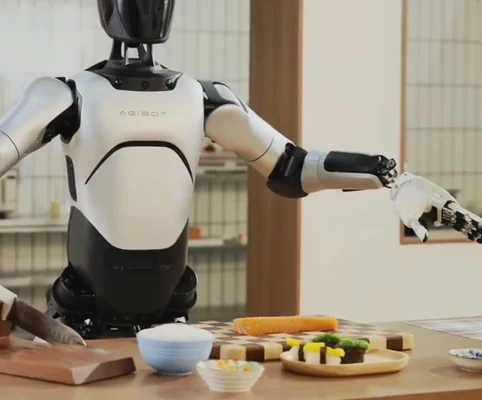
Bring human dexterity to industrial tasks
Grippers struggle with tools, irregular objects and delicate parts that people handle easily.
Dexterous hands are bulky
Large, heavy hands limit where they can be used.
Human-sized.
19 degrees of freedom at only 750 g, smaller, lighter and more human-like than hands with the same configuration.
Robots cannot use real tools
Drills, sprayers and handles need strength and control.
All-round operation
An optimised structure handles professional tools effortlessly, with up to 20 N fingertip force per hand.
Fragile items get crushed
Without fine sensing, grasps are too strong or too weak.
High-sensitivity perception
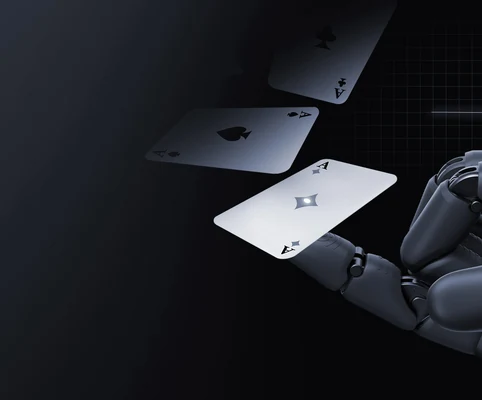
Multi-modal sensing of position, normal force, tangential force and proximity reaches 0.01 N sensitivity.
Heavy objects slip
Light-duty hands cannot hold real payloads.
High load capacity
Holds up to 35 kg palm up and 5 kg palm down with a 5 cm rigid object.
Key outcomes
Human-like dexterity
Perform complex, human-like manipulation.
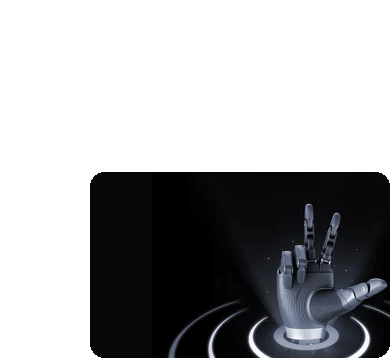
19 total DOF · 12 active DOF · 2 mm min. grasp diameter · 0.02 mm finger repositioning accuracy.
Handles irregular and small objects.
Professional
Tool Use
Operate tools and handle heavy items.
20 N max. fingertip force · 35 kg palm-up load · 5 kg palm-down load · motor + screw rod drive.
Extends humanoids into industrial tasks.
Fine perception
Feel contact and adjust grip in real time.
Fingertip 3-axis force · palm 1-axis force · 150+ tactile points · 0.01 N resolution · 0–50 N range.
Gentle with delicate parts.
Robust and open
Integrate and develop with ease.
CANFD · 1 kHz · speed, position, force, hybrid and tactile modes · -20 to 50 °C · secondary development.
Compatible with AGIBOT and third-party robots.
What powers the Omni Hand Pro's manipulation
19 degrees of freedom
Strong fingertips
Multimodal sensing
0.01 N sensitivity
High precision
Rich control modes
How it works
01.
Map or configure
Mount Omni Hand Pro on your robot arm, connect power and CANFD, and configure control modes with the host software.
What the Omni Hand Pro handles
Reports joint position, speed, torque, temperature, current and tactile pressure.
Where people step in
Mechanical and electrical integration require human input.
The exact SPARK integration process TBC
02.
Run the workflow
Your robot controller commands grasps, tool operation and sorting using force, position or hybrid control.
What the Omni Hand Pro handles
Executes force-controlled manipulation with 1 kHz tactile feedback.
Where people step in
Developers design grasping and tool-use behaviours. Exact supervision procedures TBC
03.
Monitor and improve
Improve grasp success over time with tactile data, secondary development and firmware updates.
What the Omni Hand Pro handles
Supports secondary development.
Where people step in
People remain responsible for reviewing performance and deciding when adjustments, maintenance or further configuration are needed. TBC
Use cases and environments
Product in action
AGIBOT OmniHand Pro 2025 introduction
OmniHand Pro 2025 sensing and capabilities
Technical specifications
Specification
- Max. fingertip force (typ.)
- Load (palm up, 5 cm rigid object)
- Load (palm down, 5 cm rigid object)
- Min. closing time (typ.)
- Min. grasp diameter
- Finger repositioning accuracy (typ.)
- Control modes
- Communication rate
Omni Hand Pro
- 20 N
- 35 kg
- 5 kg
- 0.8 s
- 2 mm
- 0.02 mm
- Speed, position, force, hybrid, tactile
- 1 kHz
Specification
- Weight
- Size
- Material
- Active DOF
- Total DOF
- Number of joints
- Transmission / drive
- Joint range
Omni Hand Pro
- ≤ 750 g
- 207 × 98 × 56 mm
- PA + silicone
- 12
- 19
- 19
- Linkage; motor + screw rod
- Fingers 80° flexion, ±10°; thumb 50° / 90° / 50°
Specification
- Sensor array
- Resolution
- Sensing range
- Max. permissible force (non-destructive)
- Sensing modes
- Sensory feedback
- Anti-pinch
- Safety certification
Omni Hand Pro
- Fingertip 3-axis force, palm 1-axis force, 150+ tactile points
- 0.01 N
- 0–50 N
- 1000 N
- Position, normal force, tangential force, proximity
- Position, speed, torque, temperature, current, tactile pressure
- TBC
- TBC
Specification
- Operating voltage
- Idle current
- Max. current
- Power cable
- Power consumption
- Power supply unit
- Standby mode
- Fuse / protection
Omni Hand Pro
- 12–24 V
- 0.5 A
- 4.5 A
- Included
- TBC
- TBC
- TBC
- TBC
Specification
- Communication interface
- Data packet size
- OS compatibility
- Secondary development
- Compatibility
- URDF model
- Host software
- Firmware updates
Omni Hand Pro
- CANFD
- 48 bytes
- Windows
- Supported
- AGIBOT and third-party robots
- Available
- Available
- Available
Specification
- Operating temperature
- Environment
- Ingress protection
- Humidity
- Mounting
- Cleaning
- Duty cycle
- Noise
Omni Hand Pro
- -20 °C to 50 °C
- Indoor industrial and lab
- TBC
- TBC
- Robot wrist flange
- TBC
- TBC
- TBC
Specification
- CANFD cable
- Power cable
- Certificate of conformity
- Host software
- URDF model
- Mounting adapter
- Spare silicone cover
- Teleoperation glove
Omni Hand Pro
- Included
- Included
- Included
- Download
- Download
- TBC
- TBC
- TBC
Deployment and integration
From site survey to launch, SPARK prepares your robot for your site, your workflow and your team.

01 — Site survey
We assess your requirements and site conditions to help plan your robot deployment.

02 — Mapping
The operating area is mapped for autonomous operation before handover.

03 — Workflow design
We develop a deployment plan around your site and operational requirements.

04 — Integration
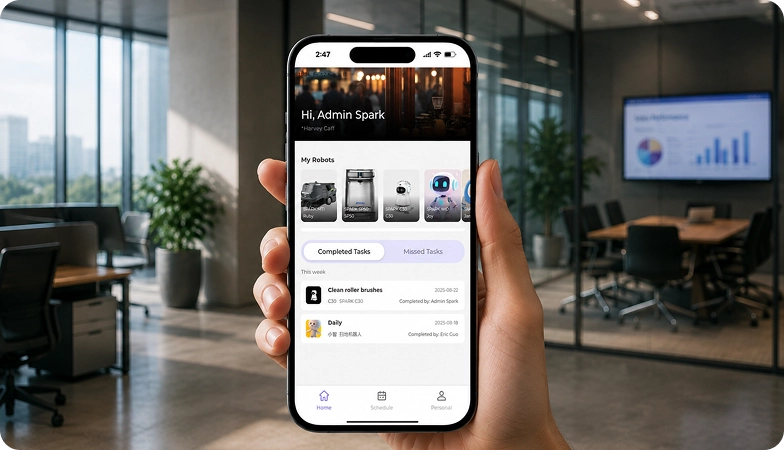
Integration requirements are assessed for each deployment, while tasks, schedules and reports are managed through the app.
05 — Training
SPARK provides user training as part of its after-sales support.
06 — Launch
Launch follows completion of site preparation, mapping, workflow setup and training.
Site Assessment
Understand the facility, floor types, traffic patterns and operational requirements.

Robot Deployment
Introduce the robot into daily operations with minimal disruption.

Mapping
Configure operating areas and routes according to the environment.
Remote Monitoring
Monitor robot operations and receive performance information through the app.
Training & Handover
Provide operators with the knowledge needed to manage the robot day to day.
Ongoing Optimization
Adapt maps and update software as the facility evolves.

Training & Handover
Provide operators with the knowledge needed to manage the robot day to day.

Remote Monitoring
Monitor robot operations and receive performance information through the app.

Ongoing Optimization
Adapt maps and update software as the facility evolves.

Site Assessment
Understand the facility, floor types, traffic patterns and operational requirements.

Mapping
Configure operating areas and routes according to the environment.

Robot Deployment
Introduce the robot into daily operations with minimal disruption.
What SPARK adds
We are not a box shifter. Deployment covers site survey, mapping, workflow design, integration planning, training and launch — so your robot arrives configured for your building rather than dropped at your loading bay.
If the survey shows the robot is wrong for your site, we will say so.
upSPARK and ongoing support
From installation and user training to software updates and on-site maintenance, we provide full after-sales support.

Technology That Keeps Improving
Every SPARK robot is managed through its manufacturer app and cloud platform, where operators can schedule tasks, monitor each robot remotely and review performance reports. SPARK supports you from installation and training through to software updates and maintenance.

maintenance tasks
Routine maintenance is kept simple, with clear schedules for brushes, filters, tanks and other consumables. SPARK guides your team through each task so the robot stays ready to work.

scheduling
Tasks and schedules can be set and adjusted through the app or control panel, so the robot works at the times that suit your site, including out of hours.

guided maintenance
SPARK provides step-by-step guidance for maintenance tasks, helping your team keep the robot running reliably with minimal downtime.

expert support
Our UK-based team provides expert after-sales support, including troubleshooting, on-site maintenance and help with optimising your robot routines.
Safety, compliance and governance
Compliance
Certification and conformity
Declaration of Conformity and certification documents for this robot are available on request for technical and procurement review.
Obstacle handling and safety
360° Environmental Awareness
SPARK robots use onboard sensors to detect obstacles, slow down or stop, and reroute where required. Detailed safety behaviour is covered in the product documentation.
Operating boundaries
Mapped operating areas
The robot operates within the mapped areas and configured routes set up during deployment. Operating conditions are listed in the technical specifications above.
Data and privacy
App and cloud management
Tasks, schedules and reports are managed through the manufacturer app and cloud platform. Details of data handling and privacy are shared as part of deployment planning.
Documents for review
Documentation pack
The user manual, specification sheet and conformity documentation can be shared for technical and procurement review.
Choosing between Spark dexterous hands
Omni Hand
Omni Hand Pro
Frequently asked questions
Questions about using the Omni Hand Pro at your site
What is the Omni Hand Pro?
AGIBOT OmniHand Pro 2025, a human-sized dexterous hand with 19 degrees of freedom, strong fingertips and multimodal tactile sensing.
How strong is it?
Up to 20 N fingertip force, holding up to 35 kg palm up or 5 kg palm down with a 5 cm rigid object.
How sensitive is its touch?
Fingertip 3-axis force, palm force and 150+ tactile points reach 0.01 N resolution over 0–50 N.
How much does it weigh?
Up to 750 g, with a size of 207 × 98 × 56 mm.
Which robots can use it?
AGIBOT robots and third-party robots, controlled over CANFD at 1 kHz.
How does it differ from Omni Hand?
Omni Hand Pro adds 3 more DOF, four times the fingertip force, finer 0.01 N sensing and far higher load capacity, for industrial tool use.
How do I request engineering support if there is a problem?
Contact the SPARK support team. We provide after-sales support including troubleshooting, software updates and integration guidance for your Omni Hand Pro.