

- Best for showrooms, events, retail and education
- Voice, vision, touch and facial-expression interaction
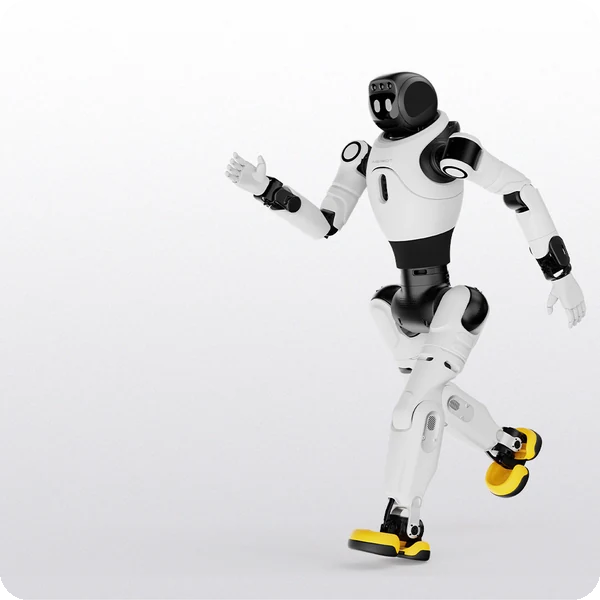
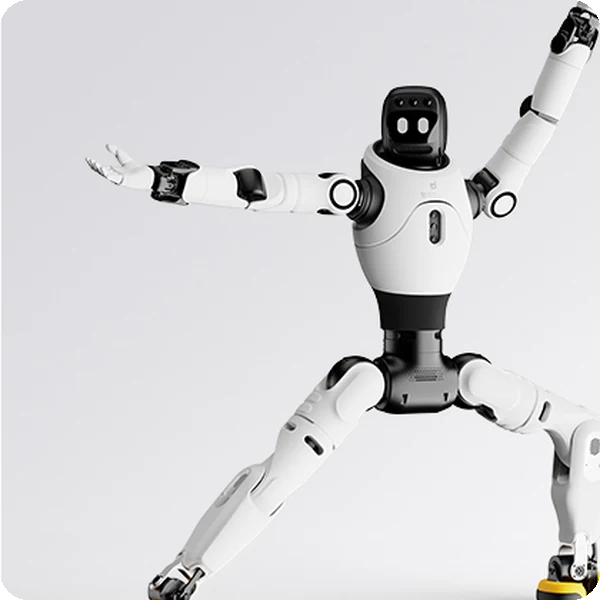
- Humanoid gait and dance routines with 25 DOF
Bring friendly, agile interaction to your space with the X2
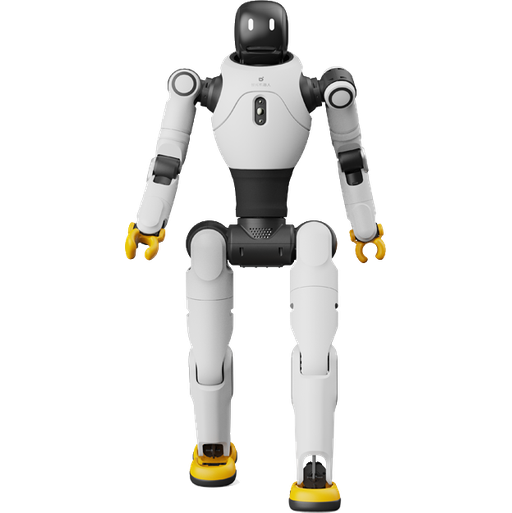
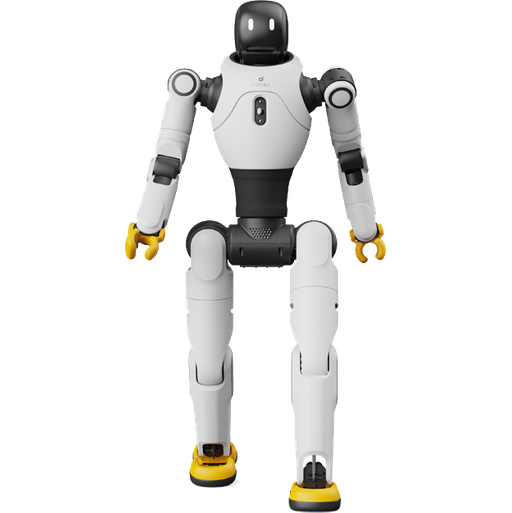
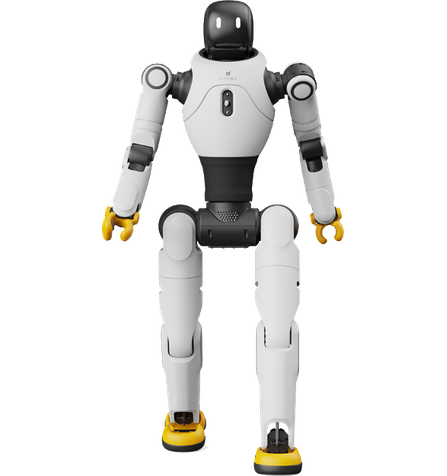
AGIBOT X2 is a 1.31 m humanoid robot built for friendly, agile interaction. It supports multimodal dialogue, humanoid gait and complex dance routines synchronised with speech, making it an engaging host for showrooms, events, retail spaces and classrooms.
Best for
Engagement and entertainment
Primary task
Greeting, interaction and performances
Environment
Showrooms, events, retail and education
Deployment type
Supervised deployment, with SPARK site assessment, training and ongoing support
Turn visitors into an audience
Events, showrooms and classrooms need moments people remember and talk about.
Visitors walk past static displays
Screens and stands struggle to draw attention.
Human-like interaction.
Multimodal voice, vision, touch and facial-expression interaction lets X2 talk with visitors naturally.
Demonstrations feel mechanical
Stiff robots fail to impress.
Lifelike features
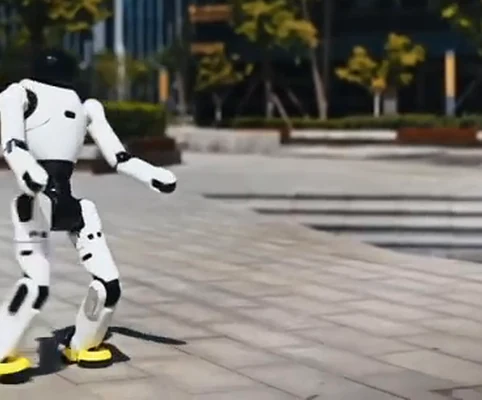
Humanoid gait, complex dance routines and head movements synchronised with voice deliver lifelike expression.
Robots are hard to operate
Complex controls limit who can run a demo.
Easy control
A mobile app, handheld controller option and OTA updates make X2 simple to run and keep up to date.
Downtime between sessions
Long charges interrupt events.
Swappable battery
About 2 hours of operation, charging in 1.5 hours or less, and battery swapping keep the show going.
Key outcomes
Friendly interaction
Greet, talk and respond to touch.
Microphone array · wireless microphone · speaker · interactive display · head touch sensor.
Creates warm, memorable visitor experiences.
Lifelike
Agility
Move with expressive, human-like motion.
25 DOF · 5-DOF arms · 3-DOF waist · 6-DOF legs · up to 1.8 m/s walking.
Draws crowds at events and showrooms.
Smart control
Run routines easily and keep software current.
Dual RK3588 computing · mobile app · OTA updates · optional handheld controller.
Simple to operate for non-technical teams.
Practical power
Swap batteries for back-to-back sessions.
Approx. 500 Wh · approx. 2 h at 0.5 m/s · ≤ 1.5 h charging · direct charging or battery swap.
Keeps engagement going through the day.
What powers the X2's interaction
Multimodal interaction
Lifelike motion
High-DOF body
Interactive RGB camera
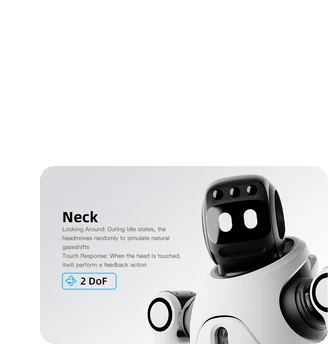
Head touch sensor
Easy to manage
How it works
01.
Map or configure
Prepare X2 for your space. Interaction content, routines and the performance area are set up with the mobile app.
What the X2 handles
Stores routines, dialogue and expressions for your scenario.
Where people step in
Content set-up and the performance area require human input.
The exact SPARK deployment process TBC
02.
Run the workflow
X2 greets visitors, holds conversations, responds to touch and performs routines on cue.
What the X2 handles
Carries out interaction, expressions and motion routines.
Where people step in
X2 has no autonomous navigation, so staff position and supervise it. Exact supervision procedures TBC
03.
Monitor and improve
Refresh content and behaviours over time through the mobile app and OTA updates.
What the X2 handles
Receives OTA updates.
Where people step in
People remain responsible for reviewing performance and deciding when adjustments, maintenance or further configuration are needed. TBC
Use cases and environments
Product in action
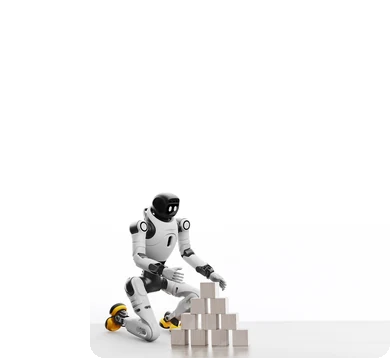
X2 series lifelike motion
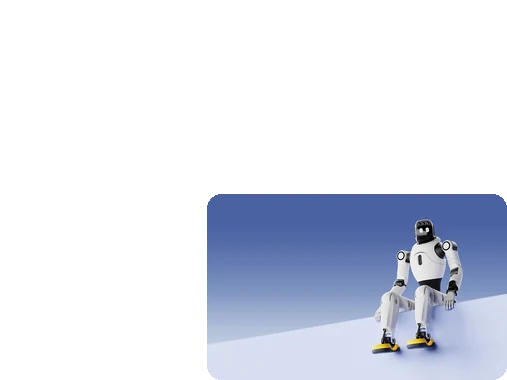
X2 series human-like interaction
Technical specifications
Specification
- Max. walking speed
- Typical walking speed
- Max. payload
- Peak joint torque
- Total degrees of freedom
- Arm reach
- Interaction
- Special motions
X2
- Up to 1.8 m/s (≤ 2 m/s laboratory)
- ≤ 0.8 m/s
- 3 kg in specific postures (≤ 1 kg full range)
- 120 N·m
- 25
- 558 mm (excluding end effector)
- Voice, vision, touch, facial expressions
- Humanoid gait, dance routines
Specification
- Dimensions
- Height
- Weight
- Arm DOF (per arm)
- Waist DOF
- Leg DOF (per leg)
- Neck DOF
- Display
X2
- 1310 × 460 × 210 mm (H × W × L)
- Approx. 1.31 m
- Approx. 35 kg
- 5
- 3
- 6
- 0
- Interactive screen, lighting effects
Specification
- 3D LiDAR
- RGB-D camera
- RGB camera
- Head touch sensor
- Autonomous navigation
- Obstacle avoidance
- Computing
- Safety certification
X2
- Not equipped
- Not equipped
- Interactive RGB camera
- Equipped
- Not supported (X2 Ultra can be customised)
- Not supported
- RK3588 × 2
- TBC
Specification
- Battery capacity
- Operating time
- Charging time
- Power supply
- Input voltage
- Charger output
- Battery
- Battery type
X2
- Approx. 500 Wh
- Approx. 2 h at 0.5 m/s walking
- ≤ 1.5 h
- Direct charging, swappable battery
- 100–220 V
- 54.6 V 10 A
- Included
- TBC
Specification
- Communication
- Audio
- USB ports
- Power output
- Mobile app
- OTA updates
- Secondary development
- LAN ports
X2
- Wi-Fi, Bluetooth
- Microphone array, wireless microphone, speaker
- Type-A × 1, Type-C × 1
- 12 V/3 A × 1, 48 V/5 A × 1
- Supported
- Supported
- Not supported
- None
Specification
- Operating temperature
- Environment
- Floor types
- Max. slope
- Ingress protection
- Noise
- Supervision
- Lighting conditions
X2
- -10 °C to 40 °C
- Indoor spaces
- TBC
- TBC
- TBC
- TBC
- Operator present
- TBC
Specification
- Handheld controller
- Charger
- Remote controller
- Microphone
- End effectors
- Quick start guide
- Spare battery
- Transport case
X2
- Optional
- Included
- Included
- Included
- Not compatible (X2 Ultra only)
- Included
- TBC
- TBC
Deployment and integration
From site survey to launch, SPARK prepares your robot for your site, your workflow and your team.

01 — Site survey
We assess your requirements and site conditions to help plan your robot deployment.

02 — Mapping
The operating area is mapped for autonomous operation before handover.
03 — Workflow design
We develop a deployment plan around your site and operational requirements.

04 — Integration
Integration requirements are assessed for each deployment, while tasks, schedules and reports are managed through the app.
05 — Training
SPARK provides user training as part of its after-sales support.
06 — Launch
Launch follows completion of site preparation, mapping, workflow setup and training.

Site Assessment
Understand the facility, floor types, traffic patterns and operational requirements.
Robot Deployment
Introduce the robot into daily operations with minimal disruption.

Mapping
Configure operating areas and routes according to the environment.
Remote Monitoring
Monitor robot operations and receive performance information through the app.

Training & Handover
Provide operators with the knowledge needed to manage the robot day to day.
Ongoing Optimization
Adapt maps and update software as the facility evolves.

Training & Handover
Provide operators with the knowledge needed to manage the robot day to day.

Remote Monitoring
Monitor robot operations and receive performance information through the app.

Ongoing Optimization
Adapt maps and update software as the facility evolves.

Site Assessment
Understand the facility, floor types, traffic patterns and operational requirements.

Mapping
Configure operating areas and routes according to the environment.

Robot Deployment
Introduce the robot into daily operations with minimal disruption.
What SPARK adds
We are not a box shifter. Deployment covers site survey, mapping, workflow design, integration planning, training and launch — so your robot arrives configured for your building rather than dropped at your loading bay.
If the survey shows the robot is wrong for your site, we will say so.
upSPARK and ongoing support
From installation and user training to software updates and on-site maintenance, we provide full after-sales support.

Technology That Keeps Improving
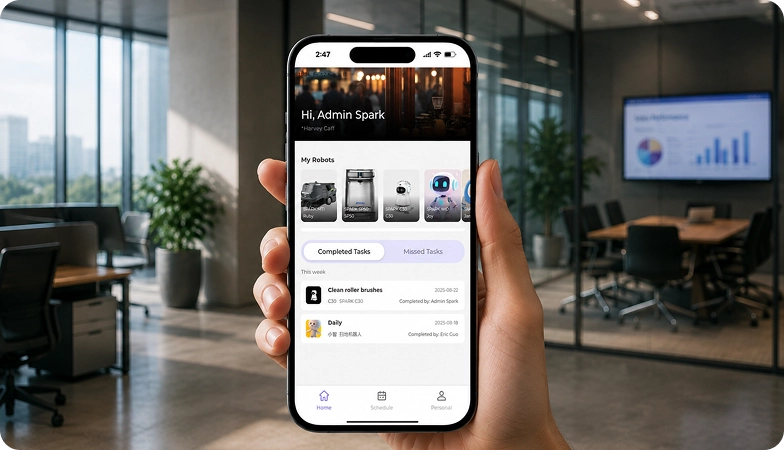
Every SPARK robot is managed through its manufacturer app and cloud platform, where operators can schedule tasks, monitor each robot remotely and review performance reports. SPARK supports you from installation and training through to software updates and maintenance.

maintenance tasks
Routine maintenance is kept simple, with clear schedules for brushes, filters, tanks and other consumables. SPARK guides your team through each task so the robot stays ready to work.

scheduling
Tasks and schedules can be set and adjusted through the app or control panel, so the robot works at the times that suit your site, including out of hours.

guided maintenance
SPARK provides step-by-step guidance for maintenance tasks, helping your team keep the robot running reliably with minimal downtime.

expert support
Our UK-based team provides expert after-sales support, including troubleshooting, on-site maintenance and help with optimising your robot routines.
Safety, compliance and governance
Compliance
Certification and conformity
Declaration of Conformity and certification documents for this robot are available on request for technical and procurement review.
Obstacle handling and safety
360° Environmental Awareness
SPARK robots use onboard sensors to detect obstacles, slow down or stop, and reroute where required. Detailed safety behaviour is covered in the product documentation.
Operating boundaries
Mapped operating areas
The robot operates within the mapped areas and configured routes set up during deployment. Operating conditions are listed in the technical specifications above.
Data and privacy
App and cloud management
Tasks, schedules and reports are managed through the manufacturer app and cloud platform. Details of data handling and privacy are shared as part of deployment planning.
Documents for review
Documentation pack
The user manual, specification sheet and conformity documentation can be shared for technical and procurement review.
Choosing between Spark humanoid robots
X2
X2 Ultra
G2
A3
Frequently asked questions
Questions about using the X2 at your site
What is the AGIBOT X2?
A 1.31 m humanoid robot with 25 degrees of freedom, designed for friendly interaction, performances and education.
What is the difference between X2 and X2 Ultra?
X2 Ultra adds 3D LiDAR, RGB-D and extra cameras for autonomous navigation, NVIDIA Orin NX computing, 7-DOF arms, a 1-DOF neck, 4G/5G and support for end effectors and development.
Can X2 navigate on its own?
No. The X2 does not support autonomous navigation or obstacle avoidance; choose X2 Ultra if you need them.
How long does it run?
About 2 hours when walking at 0.5 m/s, with charging in 1.5 hours or less and a swappable battery.
How is X2 controlled?
Through the mobile app, with a remote controller included and a handheld controller available as an option.
Can it interact with people?
Yes. It supports voice, vision, touch and facial-expression interaction, and responds to head touches.
How do I request engineering support if there is a problem?
Contact the SPARK support team. We provide after-sales support including troubleshooting, software updates and on-site maintenance for your X2.